What is AI Video Generator?
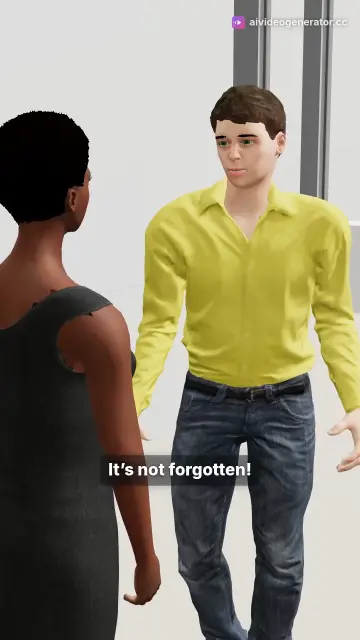
AI Video Generator (AIVideo.day) is a web app made by Lumora Build, with two studios. Describe a video in a few words: the 2D studio writes the script, records the voiceover and builds a narrated video scene by scene, and the 3D studio writes a short story and turns it into a 3D film whose characters act and speak. Watch it, change it by chatting, save it as an MP4 or share it.
What is the difference between the 2D and 3D studios?
The 2D studio makes narrated videos: a voice tells the story over stock footage, AI images or 2D animation, and a video can run up to 60 minutes on a paid plan. The 3D studio makes films: 3D characters act out a story on a set and speak their own lines, also up to 60 minutes on a paid plan. The 3D studio is in beta.
Do I need to install anything?
No. It runs in a modern web browser, on a phone or a computer. You sign in with one tap through Google, using the same Lumora account as the other Lumora Build apps.
Is this like Sora, Veo or Kling?
No. Those tools generate short AI clips, one shot at a time. This one makes the whole video: a narrated 2D video with a script, a voiceover, subtitles and music, or a 3D film whose characters act out a story and speak their lines. On a paid plan, the scenes of a short 2D video can also be AI video clips.
Is there a watermark on exports?
On the free plan the MP4 is 720p, with a small AIVideo.day mark and a 3-second end card. On any paid plan it is 1080p with no mark, and you can put your own two lines on the end card or turn it off. Saving the MP4 is free on every plan: it is made in your browser using WebCodecs, which works in Chrome or Edge on a computer or Android and in Safari on iOS 26 or newer; in an app’s built-in browser or on an older iPhone you get a link that plays the video instead. On a paid plan, if your browser cannot make the file, a 2D video up to about 5 minutes long is made in the cloud instead, at 720p.
How long can a video be?
On a paid plan a 2D video or a 3D film can run up to 60 minutes, built scene by scene. On the free plan every video can be up to 1 minute long, with one new video every 5 minutes, and the 20 free credits make about ten 2D videos or four 3D films a month. Long videos need a computer: a phone can play a 3D film of about 20 minutes at most, and an MP4 over 200 MB (about 7 minutes in 1080p) saves only in Chrome or Edge on a computer.
What happens if I close the tab during a long build?
The build keeps going on its own and picks itself back up if a piece drops out. You can close the tab, come back later and carry on from where it got to.
Can I make vertical and widescreen videos?
Both. Pick 9:16 vertical for Reels, TikTok and Shorts, or 16:9 widescreen for YouTube, in the studio or by writing the ratio in your prompt; the framing, captions and pacing follow the shape. The 2D studio also makes square 1:1 and portrait 4:5 videos when your prompt names the ratio.
What do the visuals actually look like?
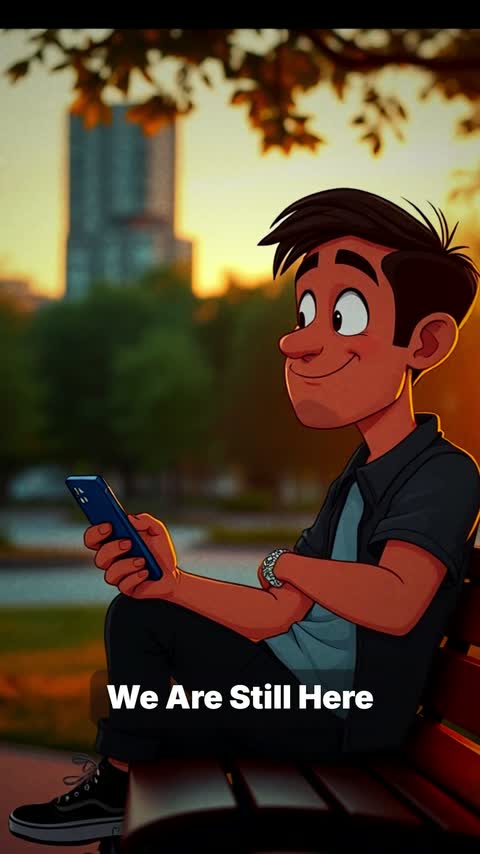
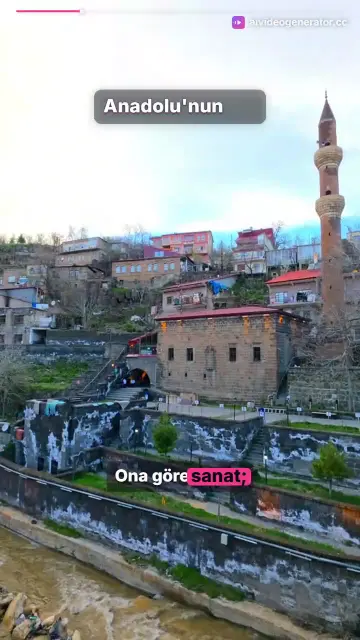
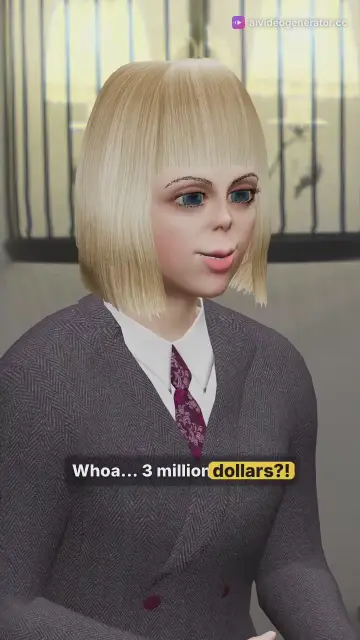
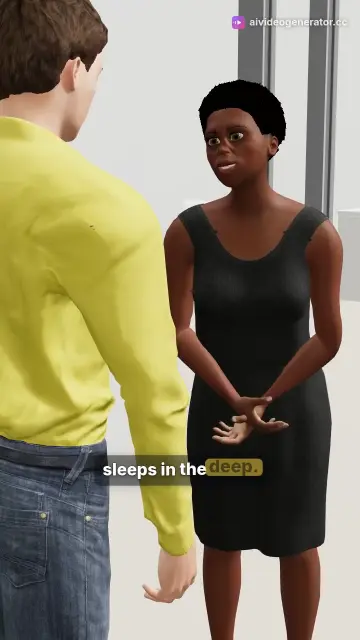
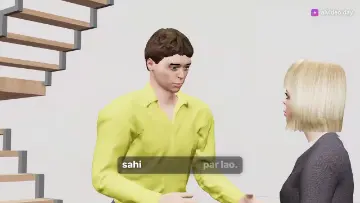
In the 2D studio a video is built from real stock footage and AI-generated images, or drawn as a 2D animation; you pick the style or let it choose. In the 3D studio every scene is rendered from 3D characters, sets and motion clips, with a realistic or a stylized cast.
Where do the 2D characters come from?
They are drawn by code on a canvas — no stock artwork. There are 28 characters, each with poses, walking, expressions and automatic lip-sync to the voiceover.
Where do the 3D characters come from?
From the studio’s own 3D library: 19 characters who can speak, realistic and stylized, 16 places, nearly 3,000 motion clips, 730 sound effects and 59 music tracks. You can pick up to two characters and a place, or let the studio cast the film.
Can I change a video after it is made?
Yes. Ask in the chat, for example “trim it to 15 seconds”, “use a male voice” or “more close-ups”, and the agent changes the video. Each change the agent makes costs 1 credit, plus 5 for each new minute a change adds to a 3D film; edits you make by hand in the editor are free.
What voices and languages are available?
Native neural voices in 74 languages. Write your prompt in your own language and the script, the voices and the subtitles follow it. The studio’s own questions and replies come in 14 languages.
Can a 3D character host my YouTube live stream?
Yes, in beta. In the app’s Live stream panel you pick one of the 3D library’s talking characters as the host, put a picture, a looping video, a website in its own tab or a 3D place behind it, and paste a YouTube stream key made for HLS and the link to your live video. The host streams on your own channel, welcomes viewers and answers the live chat out loud, lip-synced, one message at a time; nothing is typed into the chat. It costs 1 credit per started minute, up to 30 shows a day, and it runs in your browser, so it needs Chrome or Edge on a computer with the tab open, but no OBS, and it never asks for access to your YouTube account. Free accounts stream with the small AIVideo.day mark, as on their videos. Viewers see the stream about 15 to 30 seconds late, and if YouTube’s daily chat limit runs out, the host keeps going without answering the chat.
What does it cost?
It is free to start: 20 credits every month, about 10 minutes of 2D video, with no card. On the free plan a video can be up to 1 minute long, with one new video every 5 minutes, and the MP4 is 720p with a small AIVideo.day mark. A 2D video costs 2 credits to start plus 2 for each extra minute, a 3D film costs 5 credits for each started minute, and saving the MP4 in your browser is always free. Paid plans are monthly subscriptions: Basic is $4.50 a month for 50 credits, about 25 minutes of 2D video, and Starter is $17 a month for 200 credits, with more plans in the Lumora account center. Paid plans add 2D videos and 3D films up to 60 minutes, every 3D character and place, 1080p with no mark, and cloud rendering for 2D videos up to about 5 minutes when your browser cannot make the MP4, and the first month of your first plan is half price. Monthly credits refresh every month and unused ones do not carry over.